iOS Tickets SDK Application Integration Demo
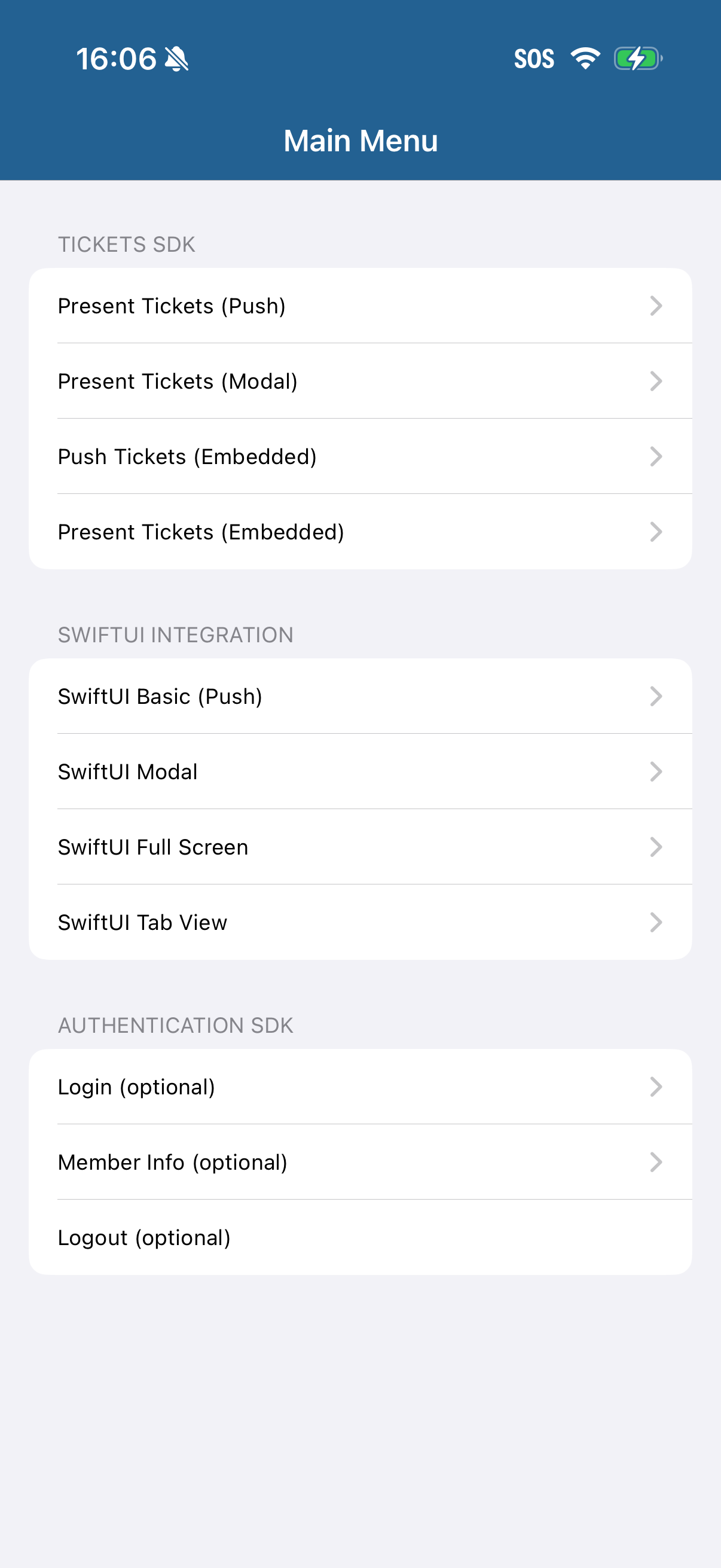
An example integration of the TicketmasterTickets framework (including all the examples you've seen so far) is available for download: iOS Tickets Demo App
https://github.com/ticketmaster/iOS-TicketsDemoAppTo see Tickets SDK working alongside the rest of Ignite (Retail Purchase) download: iOS Ignite Demo App
https://github.com/ticketmaster/iOS-TicketmasterDemoIntegrationIn these demo apps you can see a full integration of everything covered in this guide:
Authentication SDK + Tickets SDK setup.
Login flow.
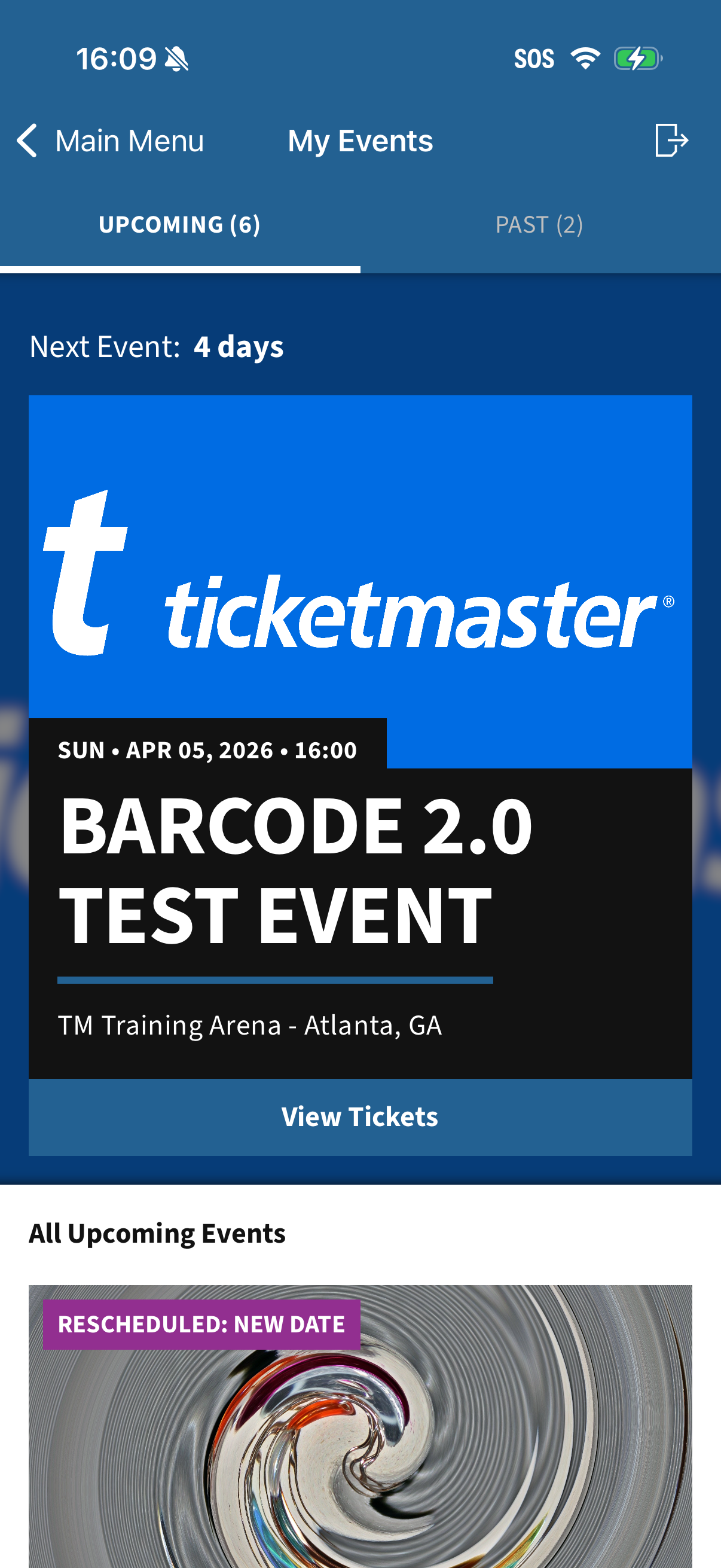
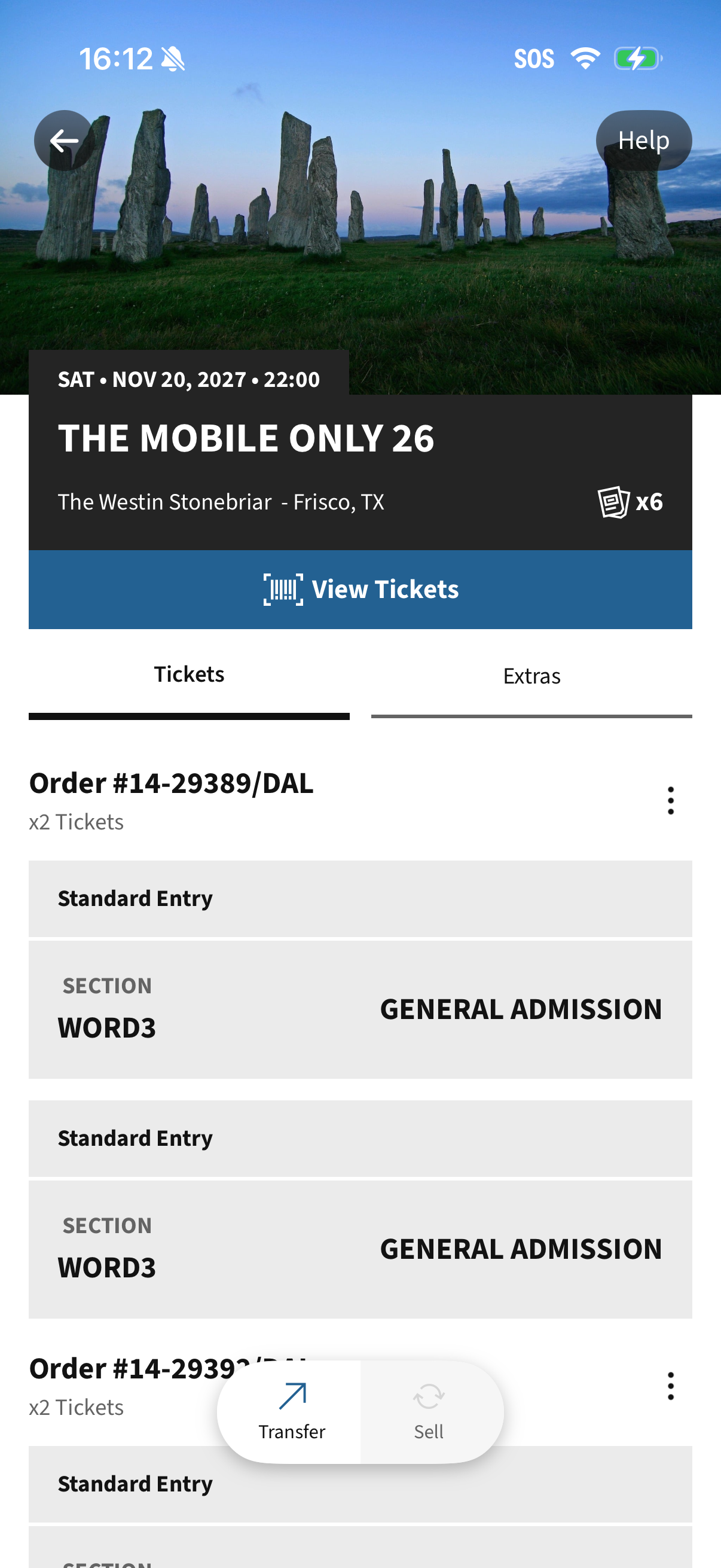
Events and Tickets view presentation.
Session expiration handling.
Logout implementation.
Analytics.
Modules.
Configuring Demo App
Open TicketsSDKDemoIntegration.xcodeproj in Xcode 26.2+
This will also download the required .xcframeworks using Swift Package Manager
Update Configuration.swift with your own API key
▎ Note: API key available from https://developer.ticketmaster.com/explore/Update TicketsSDKDemoIntegration target's Signing & Capabilities with your own Apple Developer certificate from https://developer.apple.com/
Build and Run TicketsSDKDemoIntegration target.
Demo App Screenshots