React Native wrappers for prebuilt modules
The Tickets SDK provides React Native wrappers for five prebuilt modules. Each wrapper surfaces the module's functionality in your React Native app using the same IgniteProvider configuration API.
For full details on what each module does, platform requirements, and native iOS/Android screenshots, see Prebuilt Modules.
For the NPM library, see react-native-ticketmaster-ignite.
Note: This library does not support prebuilt module customization.
Available modules
More Ticket Actions module
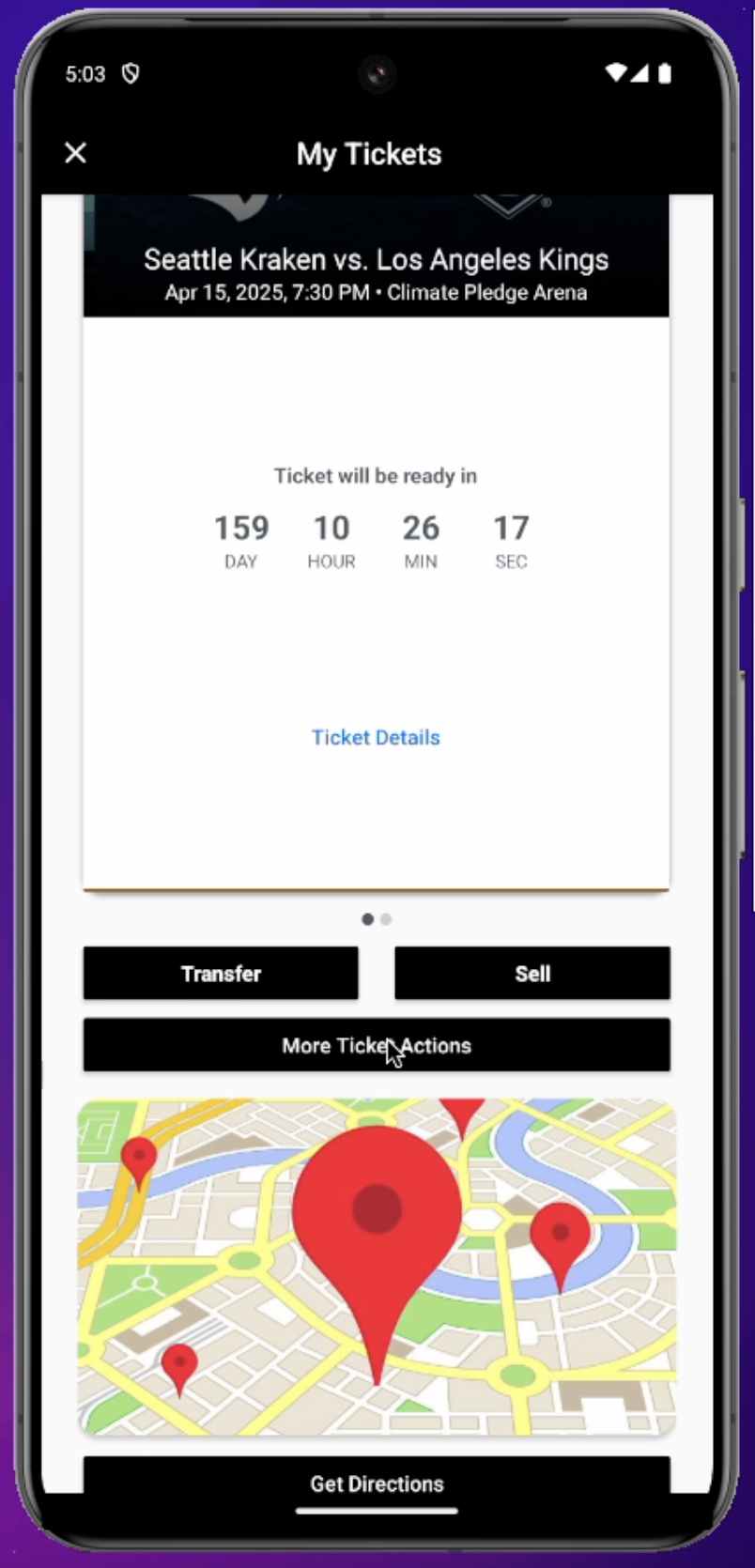
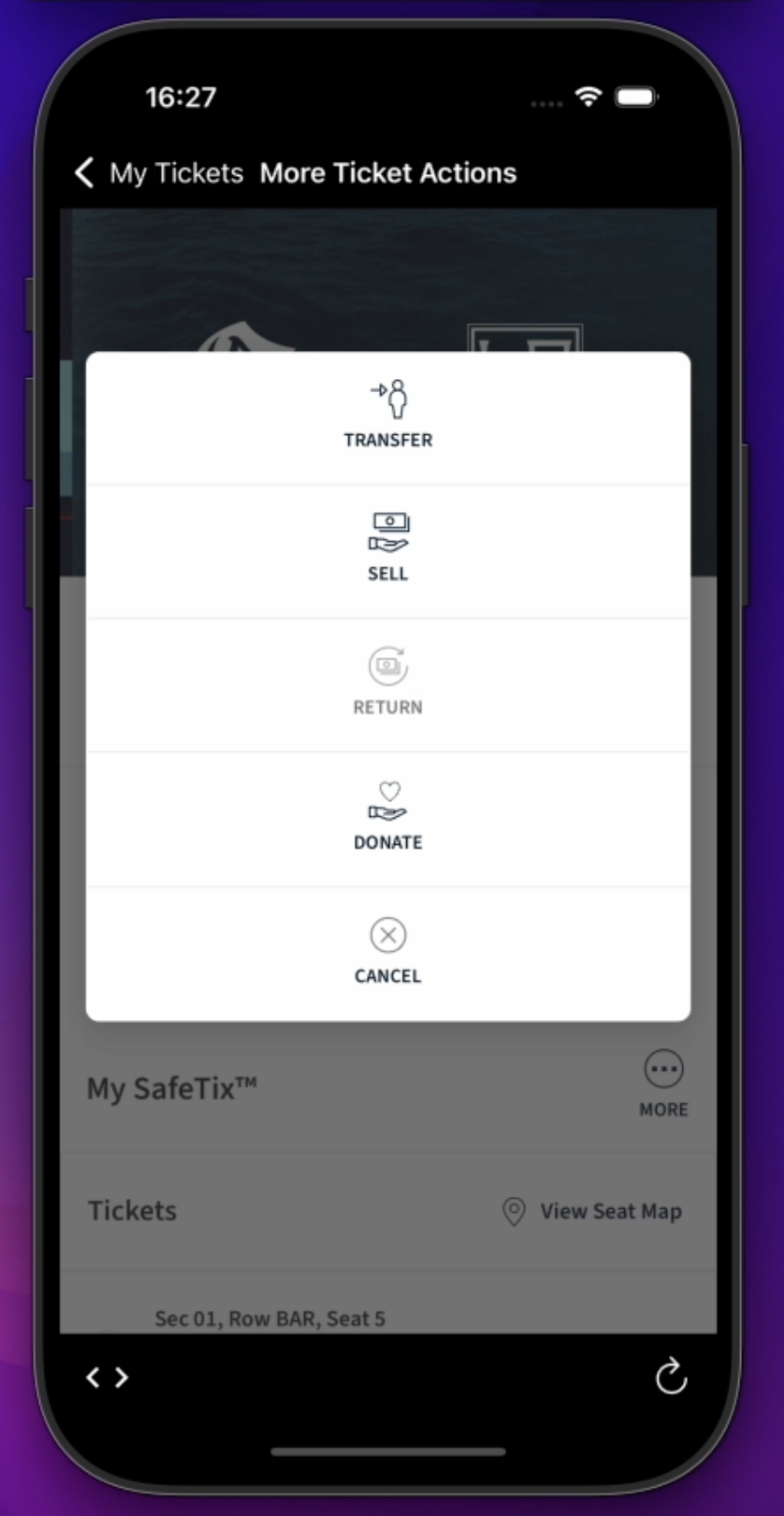
Renders a single More Ticket Actions button. When pressed, it opens the user's New Account Manager (NAM) Manage Tickets page in a webview, where the user can take actions beyond Transfer or Sell — such as donating tickets.
Note: This module is only available for the Archtics platform. If loaded with Host or single-game tickets, the button does not render. Requires Archtics Season Tickets.
iOS
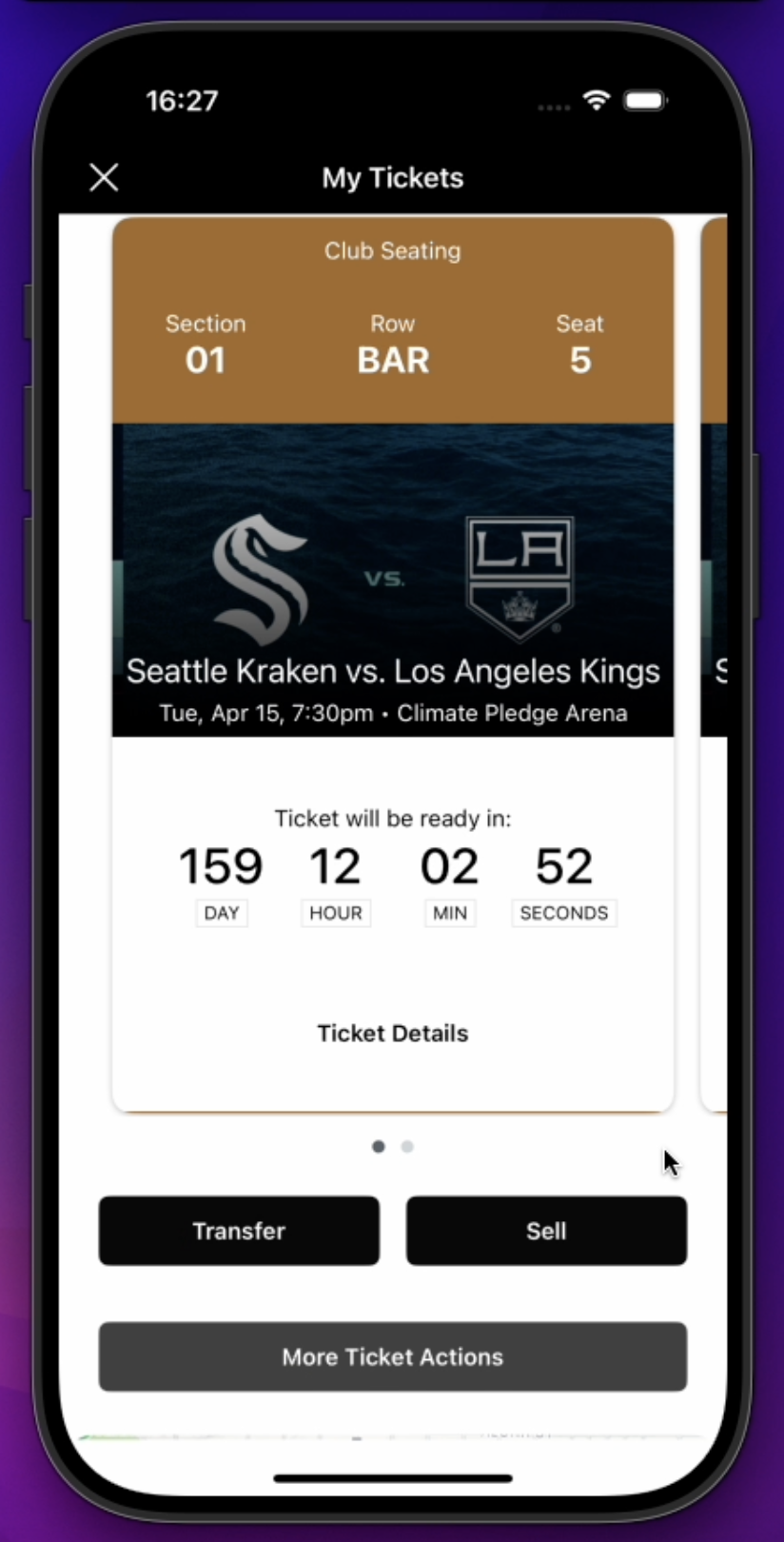
Android
After the user taps More Ticket Actions, the NAM page opens:
iOS
Android
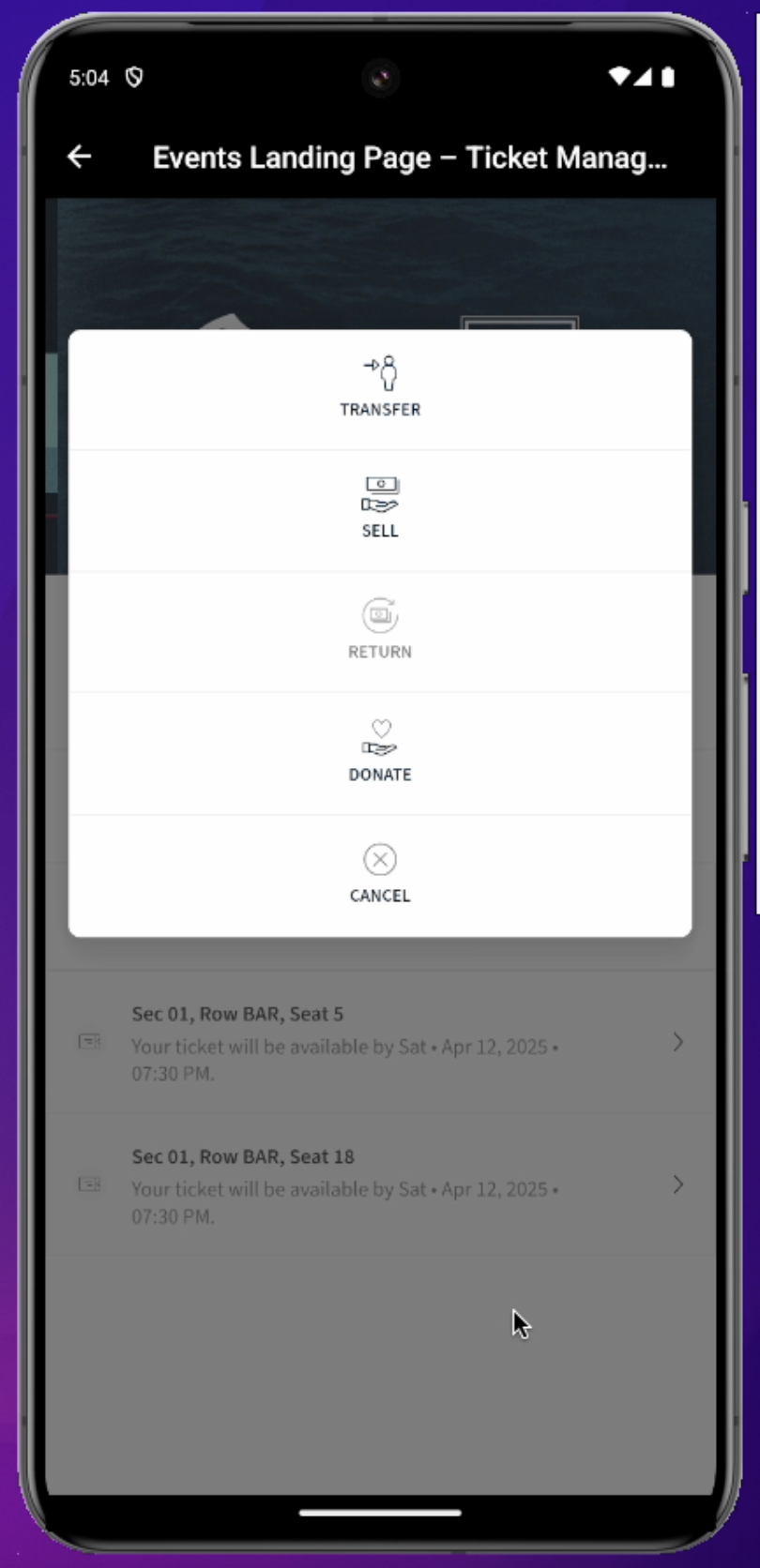
The Transfer and Sell buttons on the NAM page work identically to those on the MyTickets page.
Venue Directions module
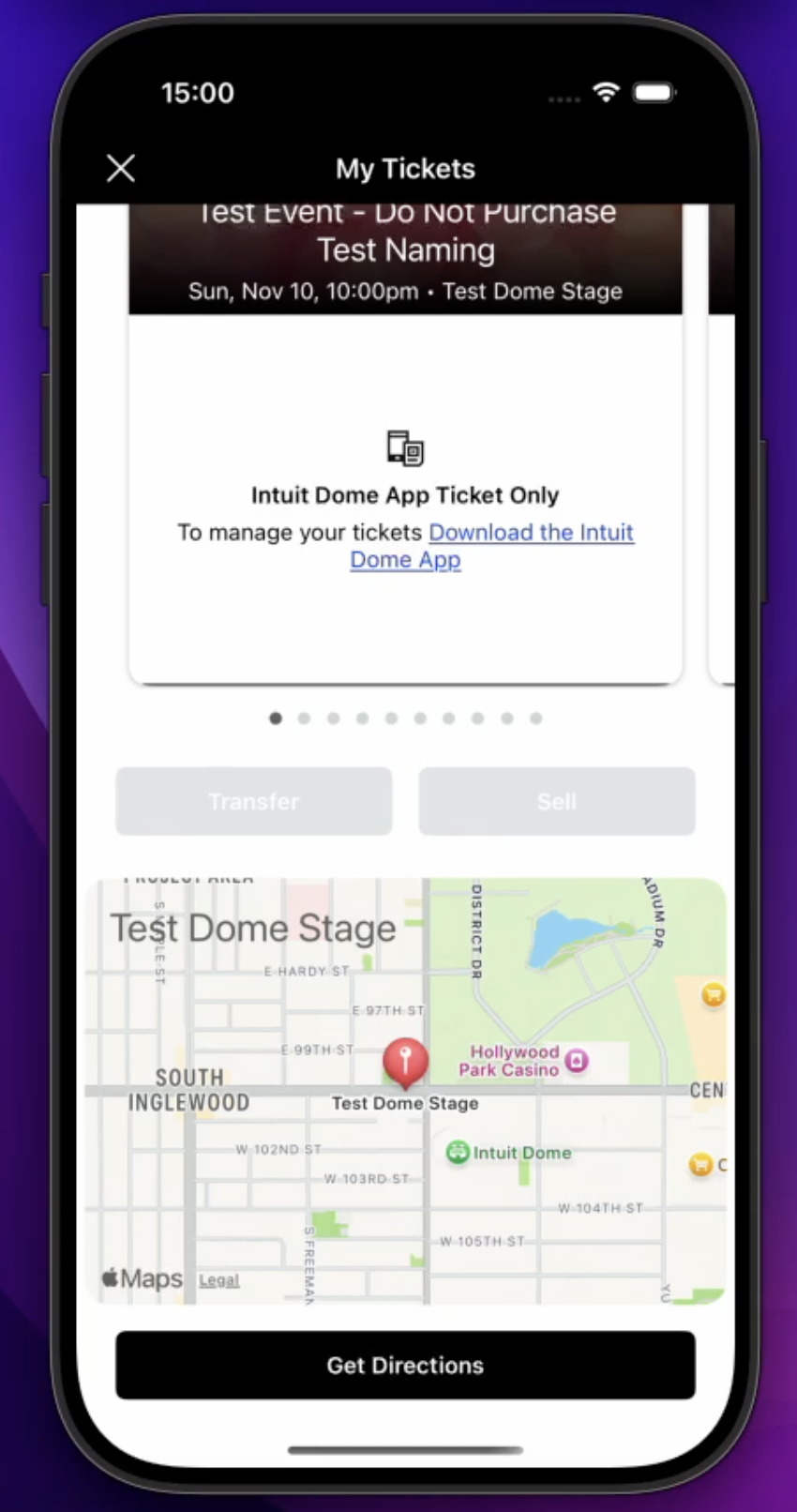
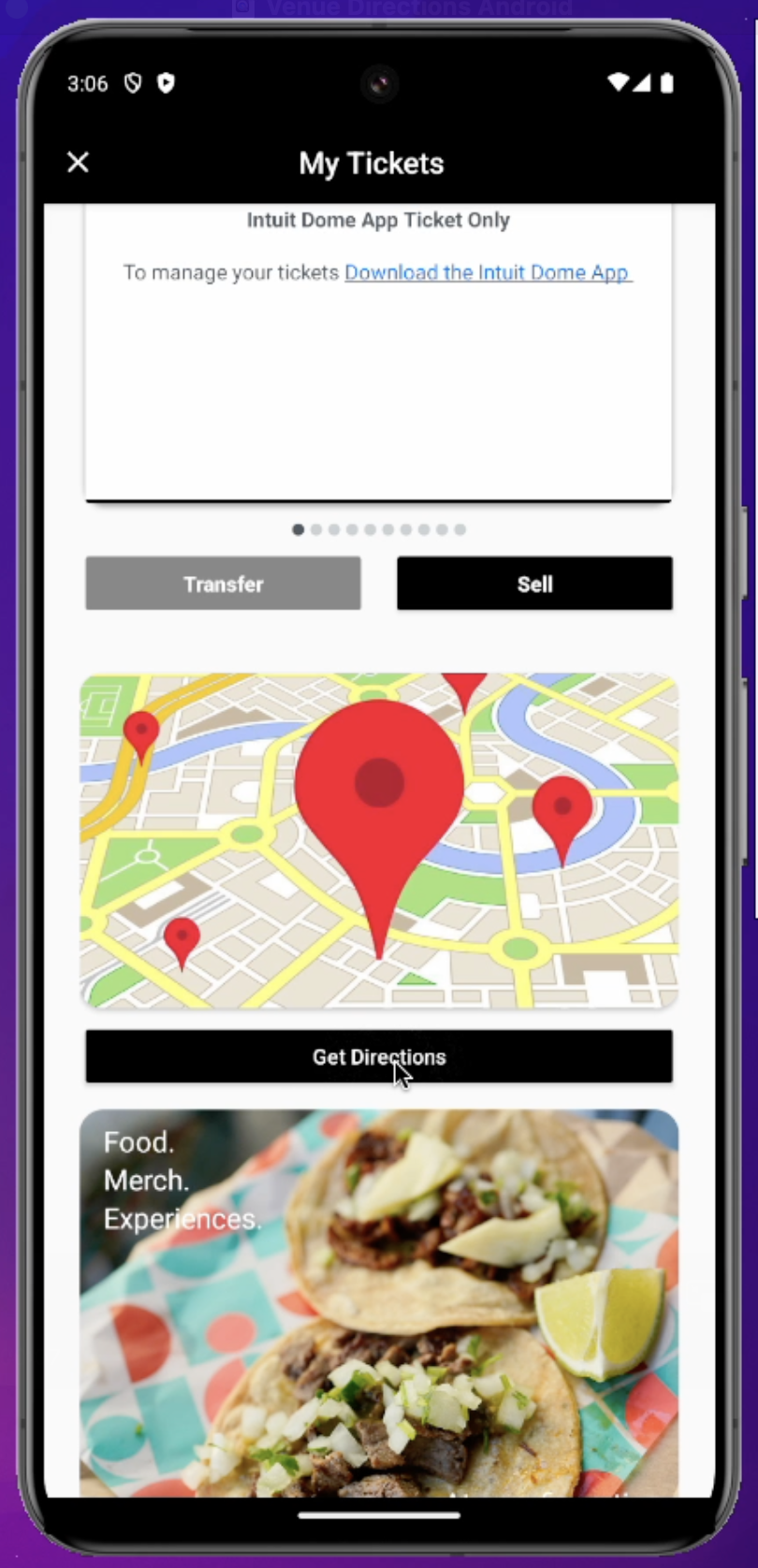
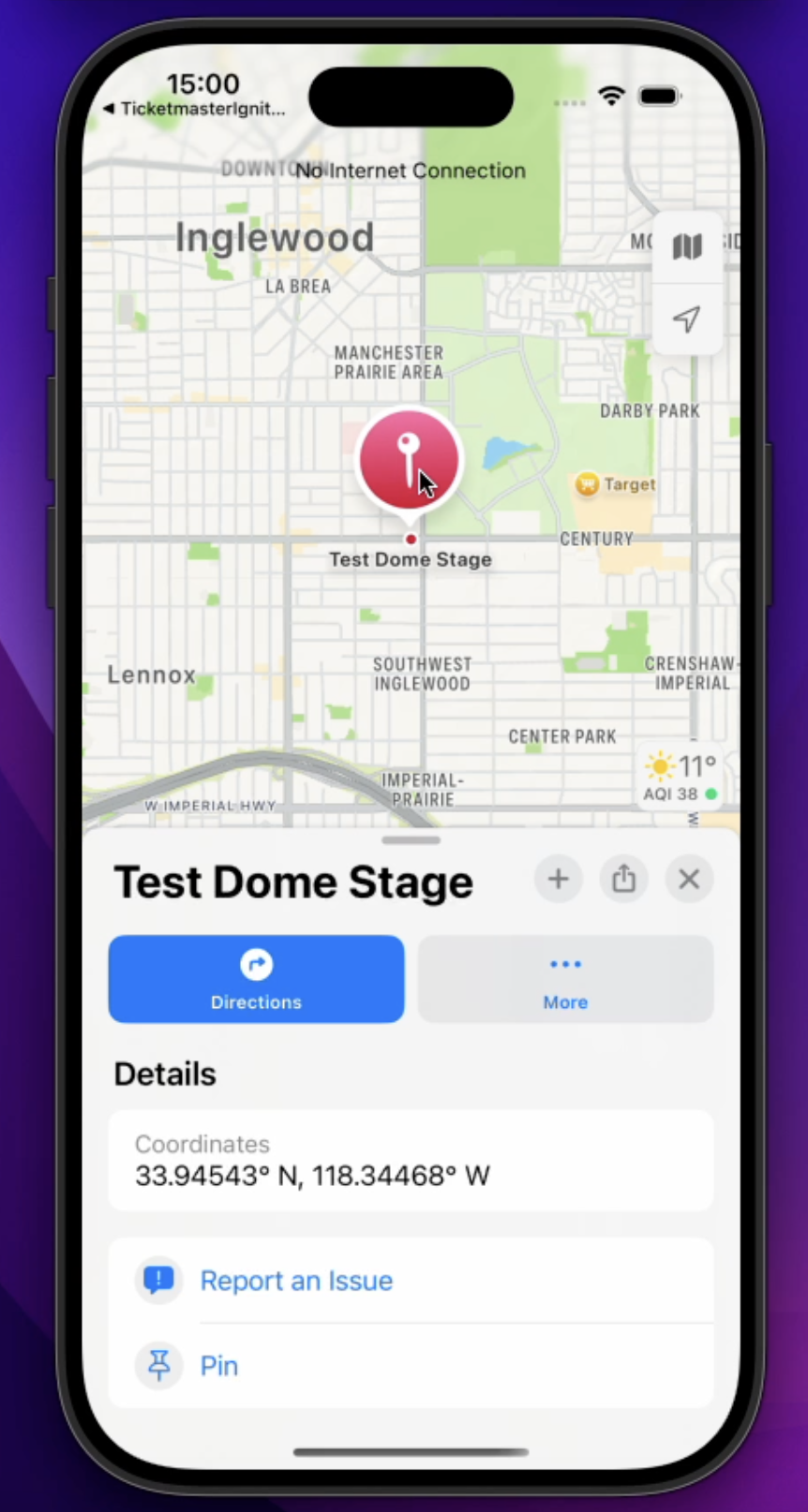
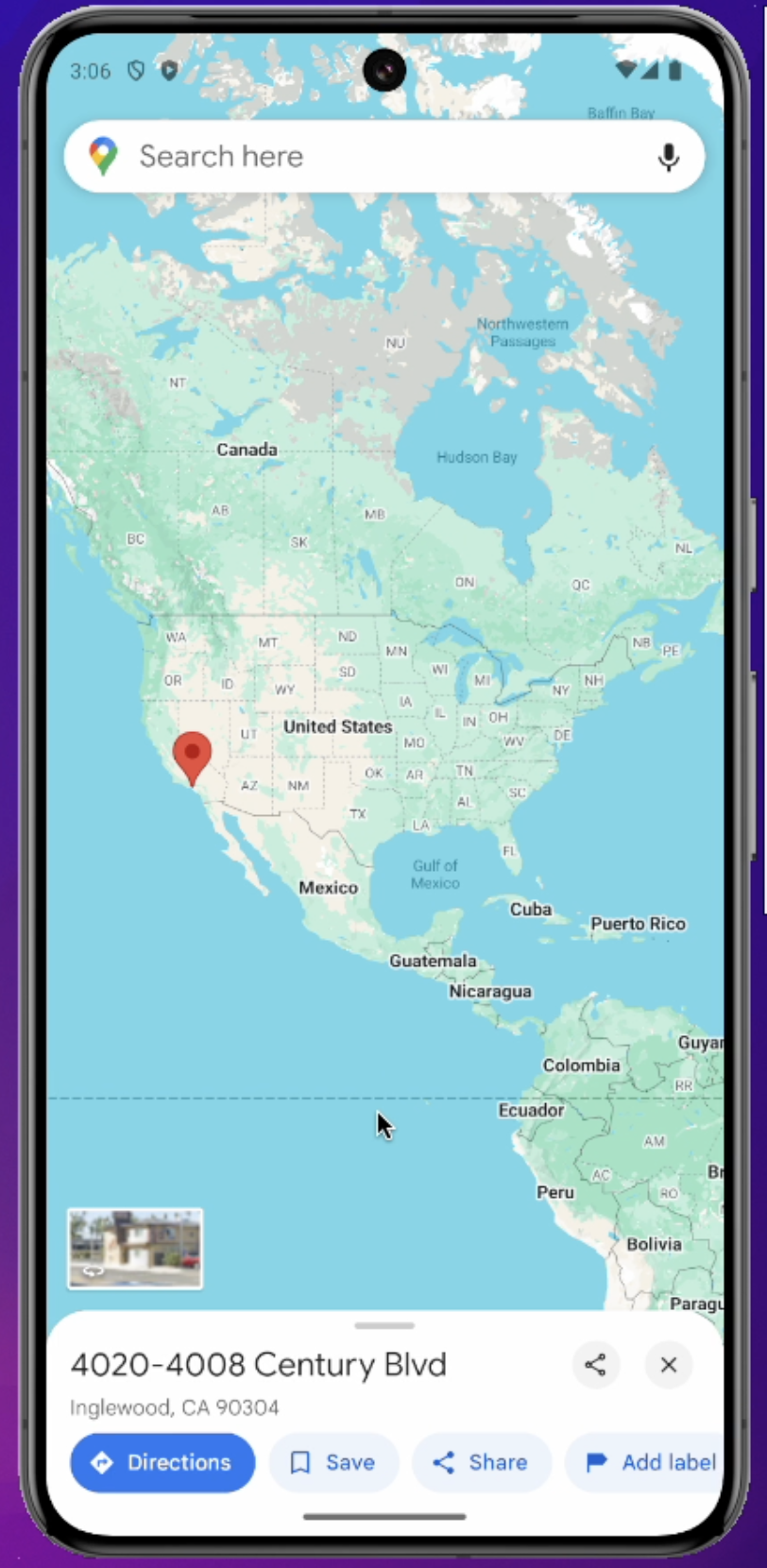
Renders a non-interactive map of the area around the venue and a Get Directions button. When pressed, the button opens the device's native Maps app (Apple Maps on iOS, Google Maps on Android) with a placemark at the venue's address.
Note: This module is platform-agnostic (Archtics, Host, etc.). Requires the venue to have a street address defined in the Ticketmaster Host or Archtics database.
iOS
Android
After the user taps Get Directions, Maps opens to the venue:
iOS
Android
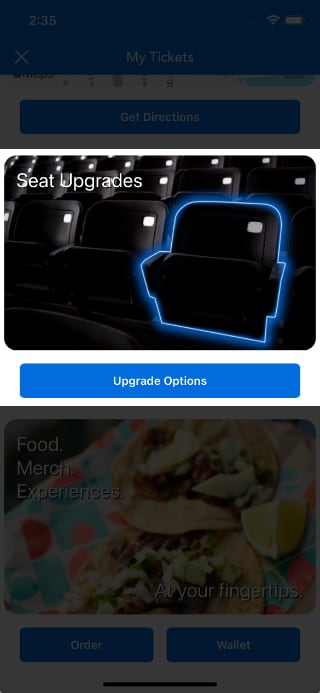
Seat Upgrades module
Renders a generic seat image and an Upgrade Options button.
Note: This module is only available for the Archtics platform. Requires Archtics Season Tickets.
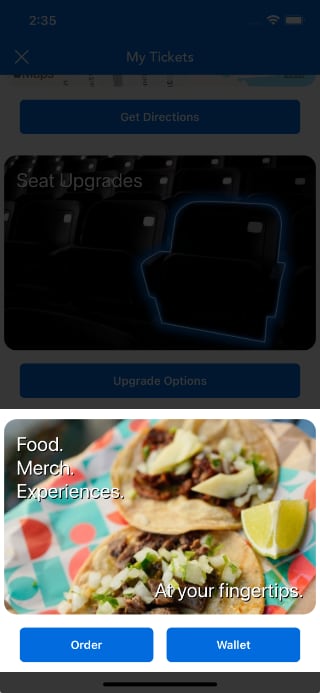
Venue Concessions module
Renders a generic food image and one or two buttons: Order and optionally Wallet. This module is platform-agnostic.
Note: The Tickets SDK does not include a concessions solution. This module signals to your app that the user wants to order concessions. Your app handles the callback.
Invoice module
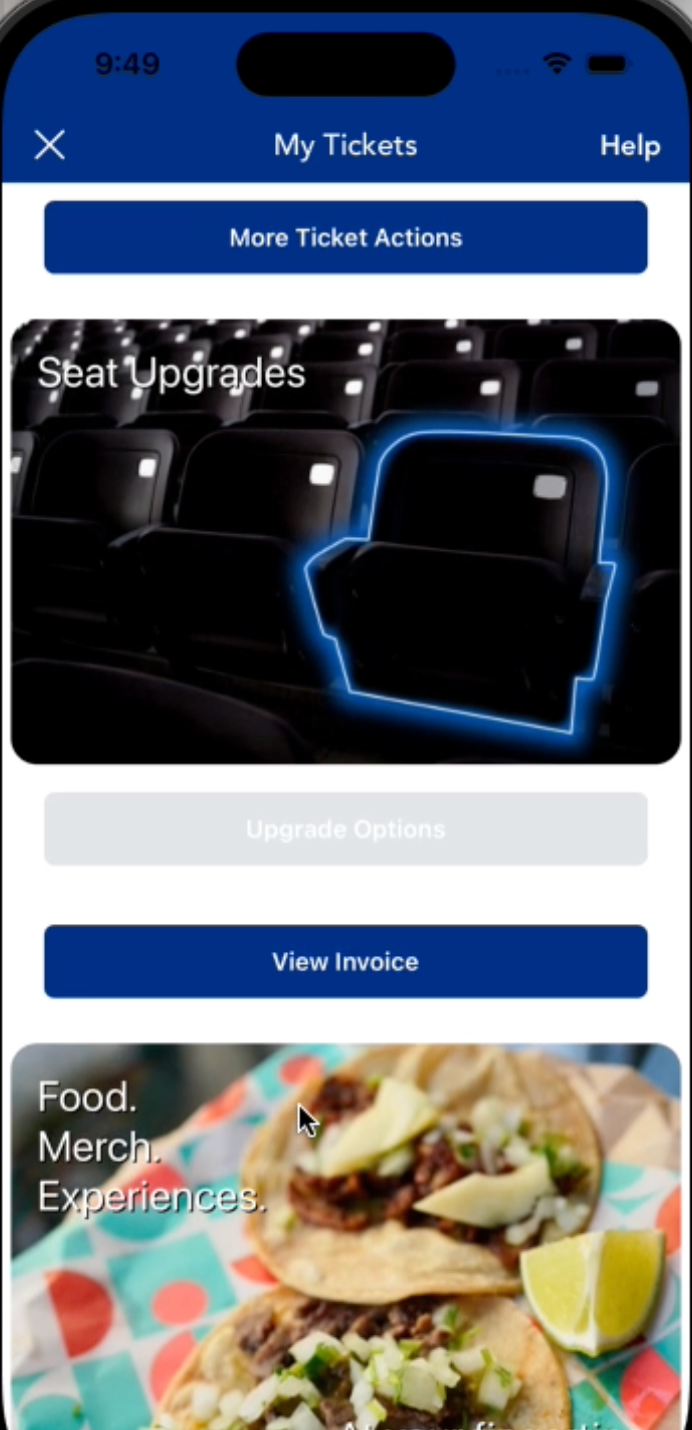
Renders a single View Invoice button.
Note: Requires Archtics Season Tickets.
Integrate prebuilt modules
Pass a prebuiltModules prop to IgniteProvider to enable modules:
<IgniteProvider
  options={{
    apiKey: API_KEY,
    clientName: CLIENT_NAME,
    primaryColor: PRIMARY_COLOR
  }}
  prebuiltModules={{
    moreTicketActionsModule: { enabled: true },
    venueDirectionsModule: { enabled: true },
    seatUpgradesModule: { enabled: true },
    venueConcessionsModule: {
      enabled: true,
      orderButtonCallback: () => {},
      walletButtonCallback: () => {},
    },
    invoiceModule: { enabled: true },
  }}
>
    <App />
</IgniteProvider>
You only need to include the modules you want to display. Any module you omit defaults to enabled: false.
For example, to show only the Venue Directions module:
prebuiltModules={{
    venueDirectionsModule: {
      enabled: true,
    },
  }}